Writing Tips
How to publish books on Velorytales.com
 VeloryTales
VeloryTales (velorytales.com) is an online self-publishing platform and indie author community designed to help writers publish their work, connect with readers, and grow their readership worldwide. Below is a detailed guide on how to create an account, publish your book, and promote your work on VeloryTales. Part 1: How to Create an Account on VeloryTales Creating an author or reader account on VeloryTales takes only a few minutes. Follow these step-by-step instructions: Step 1: Navigate to the Website * Visit the official website at velorytales.com. * Locate the Sign In or Join Free button at the top-right corner of the homepage header. Step 2: Choose Your Registration Method You will be prompted with registration options: * Direct Registration: Fill in your details: * First Name & Last Name * Email address * Secure Password * Social Login / OAuth (Recommended): Click "Continue with Google" or "Continue with Apple" for a one-click setup. Step 3: Complete Your Account & Profile Setup Once registered, complete your Author Profile: * Add a Profile Picture & Banner: Use a professional photo or logo representing your brand as an author. * Write an Author Bio: Share your writing style, genres (e.g., Romance, Fantasy, Thriller, Poetry), achievements, and background. * Add External Links: Connect your personal website, social media handles (Instagram, X, Facebook), or third-party storefronts (e.g., Inkitt, Amazon KDP). Part 2: How to Publish a Book on VeloryTales Publishing on VeloryTales is direct, free, and designed for indie authors. Step 1: Prepare Your Manuscript & Assets Before starting the publishing workflow, ensure you have the following ready: * Book Metadata: * Title & Subtitle * Book Blurb / Description: Write a short hook that catches the reader's attention. * Genre / Categories: Select up to 2 primary genres (e.g., Fantasy, Sci-Fi, Mystery, Poetry, Romance, Horror, Non-Fiction). * Content Tags: Key tags like #EnemiesToLovers, #DarkFantasy, or #YoungAdult. * Book Cover Art: Standard vertical front cover format (JPG or PNG). * Manuscript File or Text Content: Format your chapters neatly. Step 2: Access the Author Publishing Dashboard * Log into your verified account. * Click on your profile icon and select Publish a Book (or access the Author Dashboard/Creator Studio). Step 3: Fill in Book Details & Metadata * Title & Synopsis: Enter your book title and copy/paste your synopsis/blurb. * Cover Image Upload: Upload your cover photo. Make sure text on the cover is legible at preview sizes. * Select Genre & Content Rating: Choose the genre pathway best suited for your story so readers can discover it via genre filters. Mark mature content if applicable. Step 4: Add Chapters & Content * Select whether you are publishing a Full Book, a Novella/Poetry Collection, or an Ongoing Web Serial. * Upload or paste your initial chapters. * Format headings, breaks, and chapter titles clearly. Step 5: Pricing & Revenue Preferences * Free Reading: Make your book freely available to build a reader base and community followers. * Monetization / Digital Sales: If selling digital copies, configure your payouts (VeloryTales offers competitive royalty split options up to 90% depending on the listing type). Step 6: Review and Publish * Click Preview to see how your book card and reading interface will look to readers. * Click Publish. Your book will go live in the Discover / New Releases section of VeloryTales.
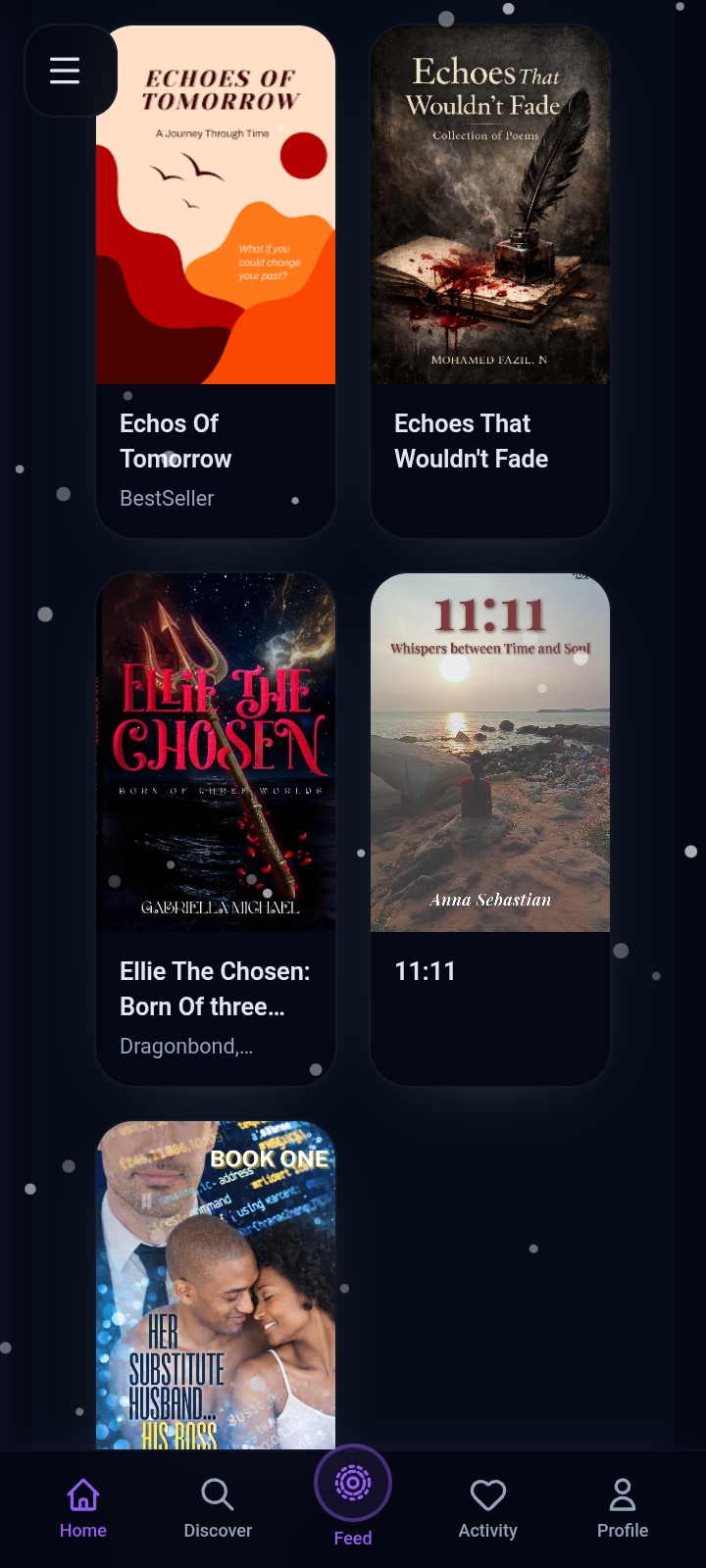
Part 3: Maximizing Visibility & Reader Engagement Publishing your book is only the first step. To build an active audience on VeloryTales: * Use the Interactive Community Feed: * Post short quotes, teasers, or writing updates on the VeloryTales Feed to engage with other authors and readers. * Announce upcoming release dates or share behind-the-scenes thoughts about your writing process. * Cross-Promote Your Book: * Share your direct VeloryTales story link on Instagram, TikTok (BookTok), and Facebook groups. * Engage with Readers: * Reply to comments on your chapters and follow fellow indie authors to build a network within the platform.
Have a story or idea to share?
Write your own article